
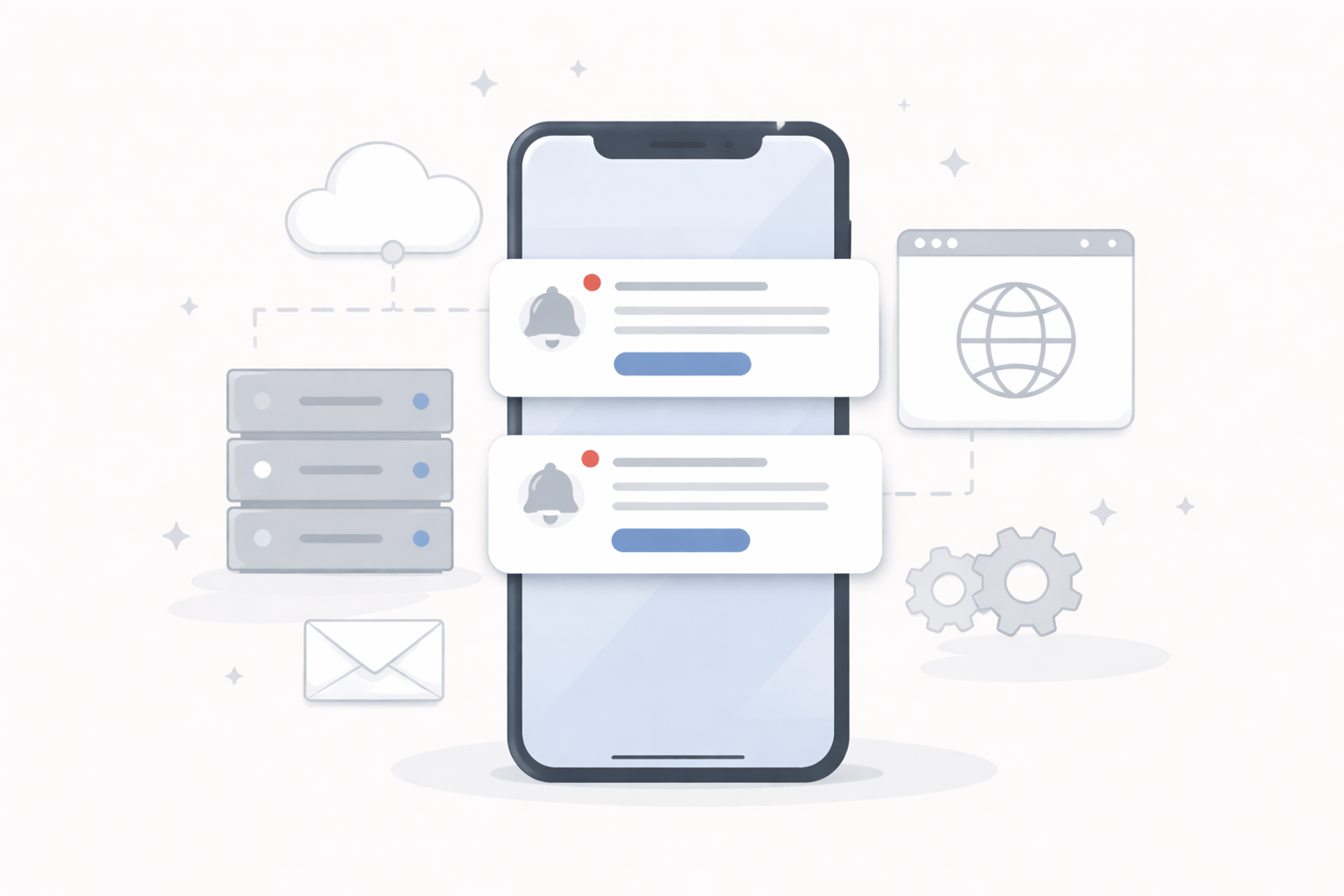
Push notifications are often seen as a “magic” feature of mobile apps. In a WebView-based app, the technical reality is a bit different.
Unlike a fully native app that handles its own background services, a WebView app relies on a bridge between the website and the system notification services.
The role of the server and the WordPress site
Notifications are not sent directly from the phone. They originate from a server, usually triggered by an event on the site: new post, new order, message, etc.
WordPress therefore becomes a central part of the system. Without a site-side trigger, no notification is sent 📡
The role of the mobile application
The app registers the device with Apple or Google notification services and receives a unique identifier.
This identifier is linked to the user or device on the website side, enabling targeted notifications.
Limits specific to WebView apps
A WebView does not run complex background logic like some native apps.
This makes certain real-time or highly personalized behaviors harder to achieve.
This relates to the broader limits of WebView apps discussed here:
WebView app capabilities and limits.
Project implications
Effective notifications require solid integration on the website side as much as on the app side.
WordPress setup quality often matters more than the mobile layer itself 🔧