
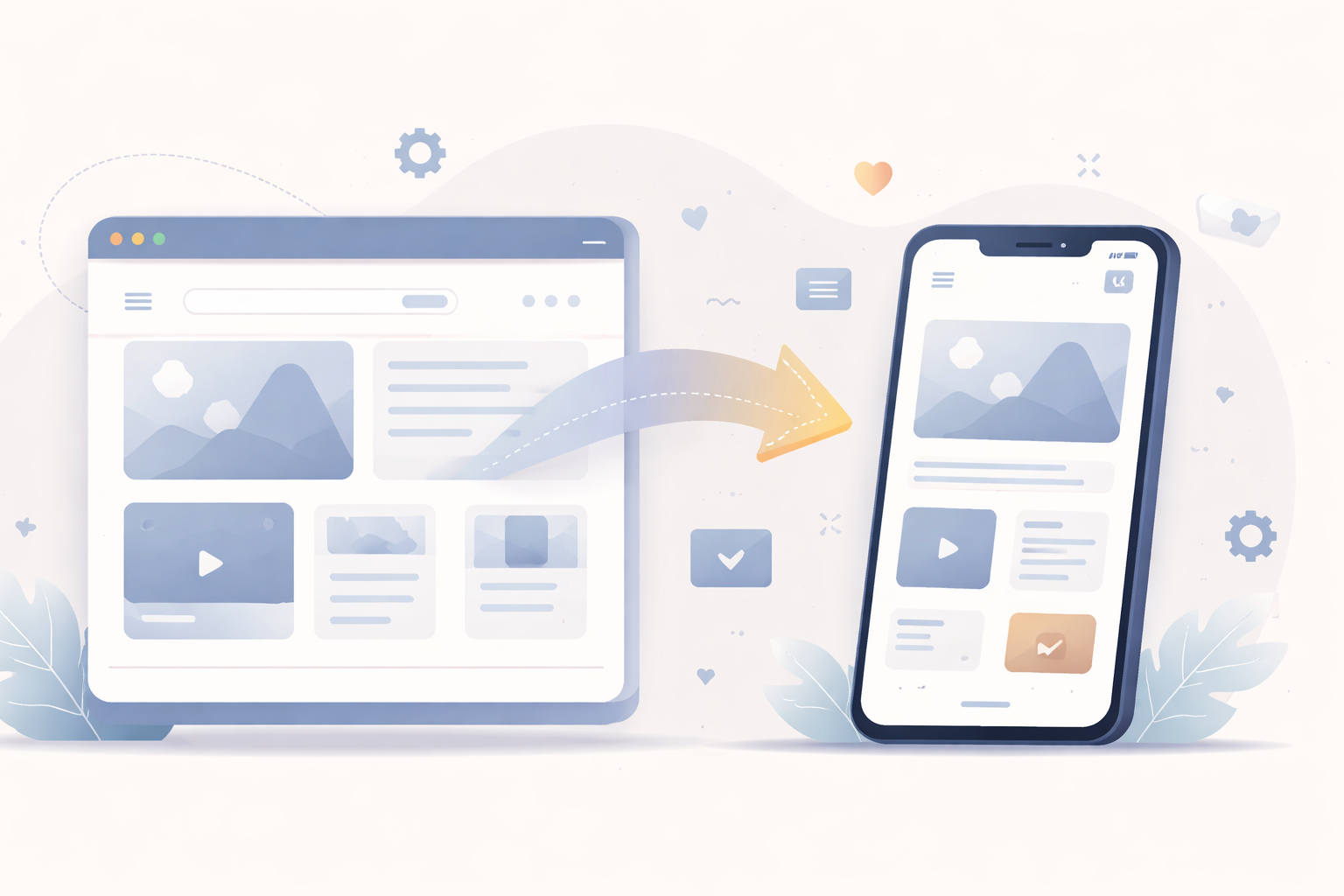
For many WordPress projects, a mobile-friendly website already exists. Responsive, accessible and functional. The real question is not “does the site work on mobile”, but rather “is it enough”.
To better understand the context, the differences between mobile websites, PWAs and native apps are explained here: mobile website, PWA or native app.
Mobile websites quickly reach their limits
A well-optimized WordPress website can offer a good mobile experience. However, some use cases remain difficult:
- retaining regular users
- creating usage habits
- sending notifications
The browser remains an intermediate layer. Users must actively come back.
The value of an installed application
A mobile application changes the relationship with users.
Once installed, it is visible on the home screen, accessible in one tap, and perceived as a standalone product.
- permanent presence on the device
- better retention
- more consistent experience
This shift in perception can make a real difference 🙂
Why reuse the existing WordPress site
Building a fully native application from scratch is often expensive and complex.
In many cases, the WordPress website already exists, along with its content, users and workflows.
- WordPress remains the management tool
- content is reused
- no duplicate administration
This is where WebView-based applications become relevant.
The role of WebView apps in this approach
A WebView app displays the WordPress website inside a native mobile application.
The concept is explained in more detail here: what is a WebView-based mobile app.
This approach helps reduce costs while still benefiting from a real app distributed through app stores.
When this transformation makes sense
Turning a WordPress website into a mobile app makes sense when:
- content is accessed regularly
- the project targets a recurring audience
- budget does not allow a fully custom app
It is not a universal solution, but for many small businesses and creators, it is a realistic compromise 🙂