
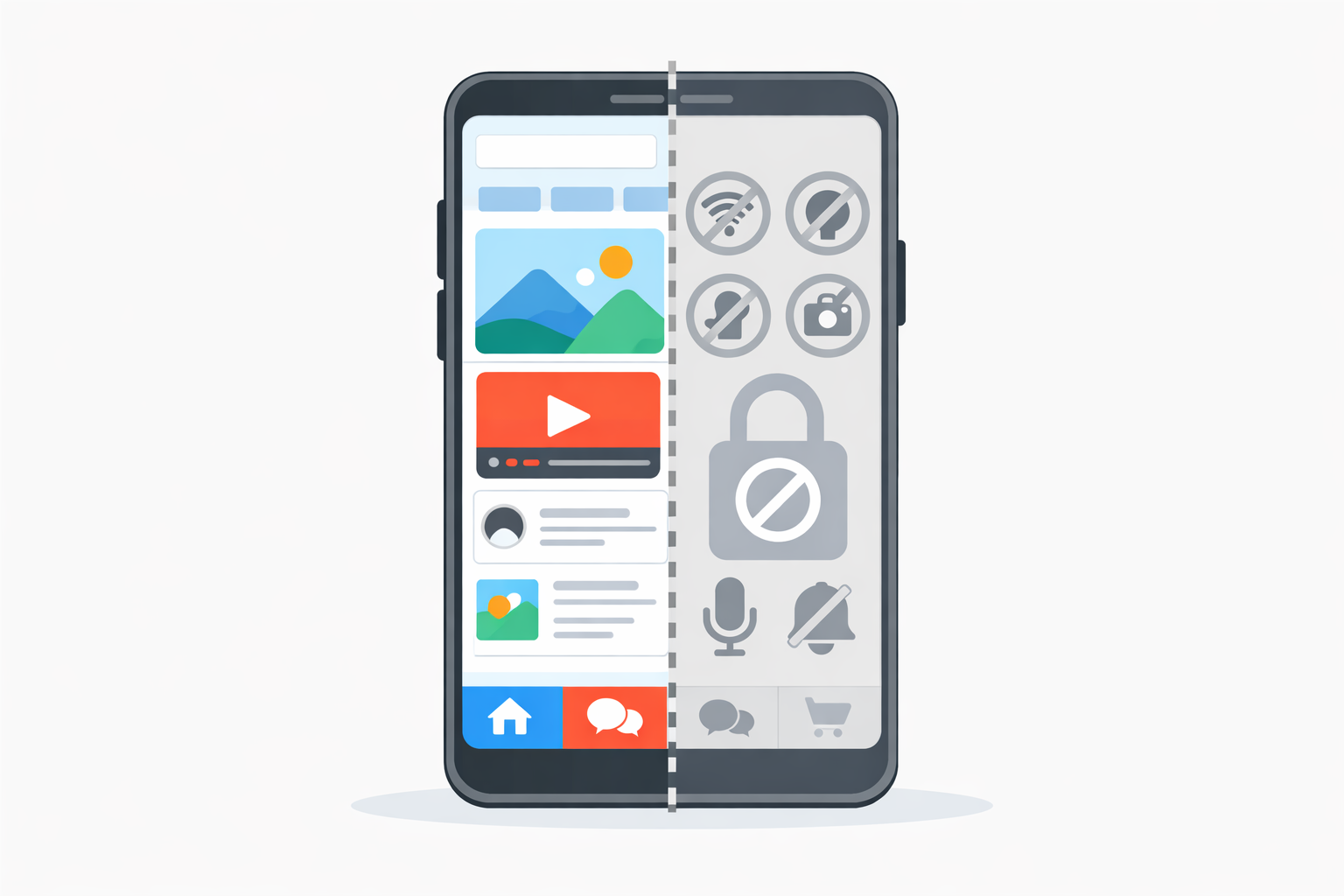
WebView-based mobile apps are often presented as a simple way to turn a WordPress website into an application. In practice, their capabilities are real, but their limitations are equally important.
To better understand the context, the general differences between mobile websites, PWAs and native apps are explained here:
mobile website, PWA or native app.
What a WebView app can do
A WebView app relies on a native component capable of displaying web content. This already enables many use cases.
- display an entire WordPress website
- navigate between pages without leaving the app
- provide an installed app experience
For users, the experience is close to a traditional application, especially for content-focused projects.
Partial access to native features
Unlike fully native applications, a WebView does not provide access to all device APIs.
Some features are available, others are limited or unavailable:
- basic network and storage access
- possible push notification integration depending on implementation
- no advanced access to sensors or system features
This is an intentional trade-off 🙂
Performance depends on the WordPress website
A WebView app displays a website. Performance therefore depends directly on that website.
A slow WordPress site in a browser will also feel slow inside a WebView.
This aspect is often underestimated when moving to a mobile app.
What a WebView app cannot do
It is important to be clear about the limitations.
- no complex native interfaces
- no heavy business logic on the app side
- no full replacement for a custom native app
A WebView app is not suitable for every project.
When these limitations are acceptable
For many WordPress projects, these limitations are not blocking.
As explained in the previous article:
what is a WebView-based mobile app, the goal is often to reuse existing assets.
For content-driven sites, small businesses or creators, the compromise is usually acceptable 🙂
Making an informed choice
Turning a WordPress website into a mobile app remains a strategic decision.
The reasons behind this choice are discussed here:
why turn a WordPress website into a mobile app.
Understanding what a WebView app can do, and especially what it cannot do, helps set the right expectations from the start.