
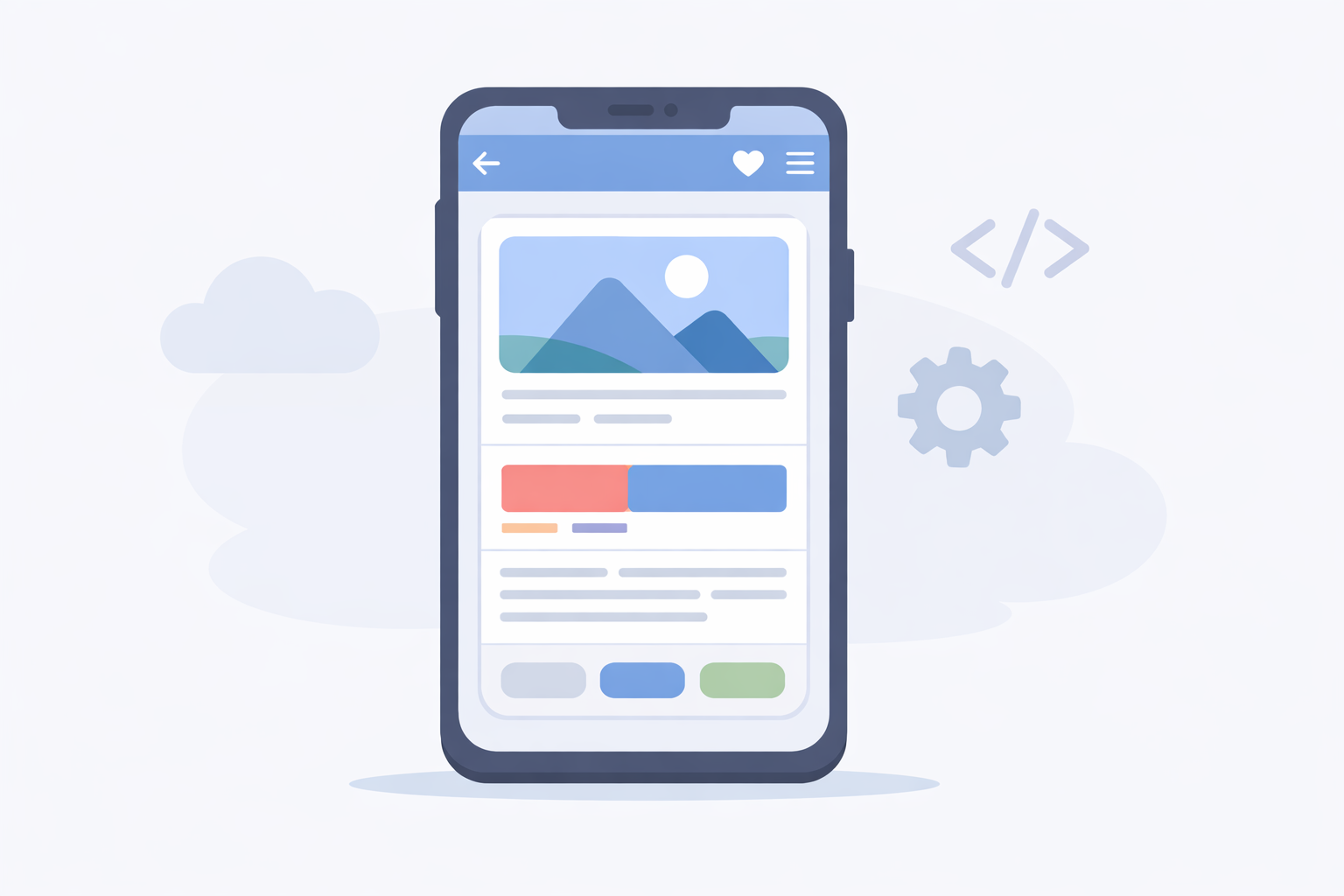
A mobile app based on a WebView is often described as a middle ground between a website and a fully native application. However, the concept is rarely explained clearly.
Before going further, it helps to understand the general differences between mobile websites, PWAs and native apps, explained here: mobile website, PWA or native app.
What is a WebView
A WebView is a native component provided by iOS and Android. It allows web content to be displayed inside a mobile application.
In practice, it is an embedded browser without an address bar or visible browser interface.
- content is rendered using HTML, CSS and JavaScript
- the system’s web engine is used
- the app feels native to the user
A WebView app is not a website
Even if the content is web-based, a WebView app is still a native application.
It is installed from an app store, has a unique identifier, can access some device APIs and must comply with Apple and Google store policies.
This distinction is often misunderstood, especially when compared to PWAs 🙂
How WordPress is used in a WebView app
In most cases, WordPress acts as the content backend.
Existing pages, posts and features are loaded inside the WebView, without rewriting the entire business logic.
- WordPress remains the administration tool
- the existing website is reused
- content updates are immediate
This approach significantly reduces development time and costs.
Pros and limitations of WebView apps
A WebView app offers several advantages:
- simpler development than fully native apps
- shared website and app logic
- distribution through app stores
But it also comes with limitations:
- performance depends on the website
- limited access to native features
- constraints imposed by app stores
When a WebView app makes sense
A WebView app is well suited for existing WordPress projects that want a mobile presence without starting from scratch.
For small businesses, content creators or small e-commerce projects, it is often a balanced compromise between cost, maintenance and user experience 🙂