
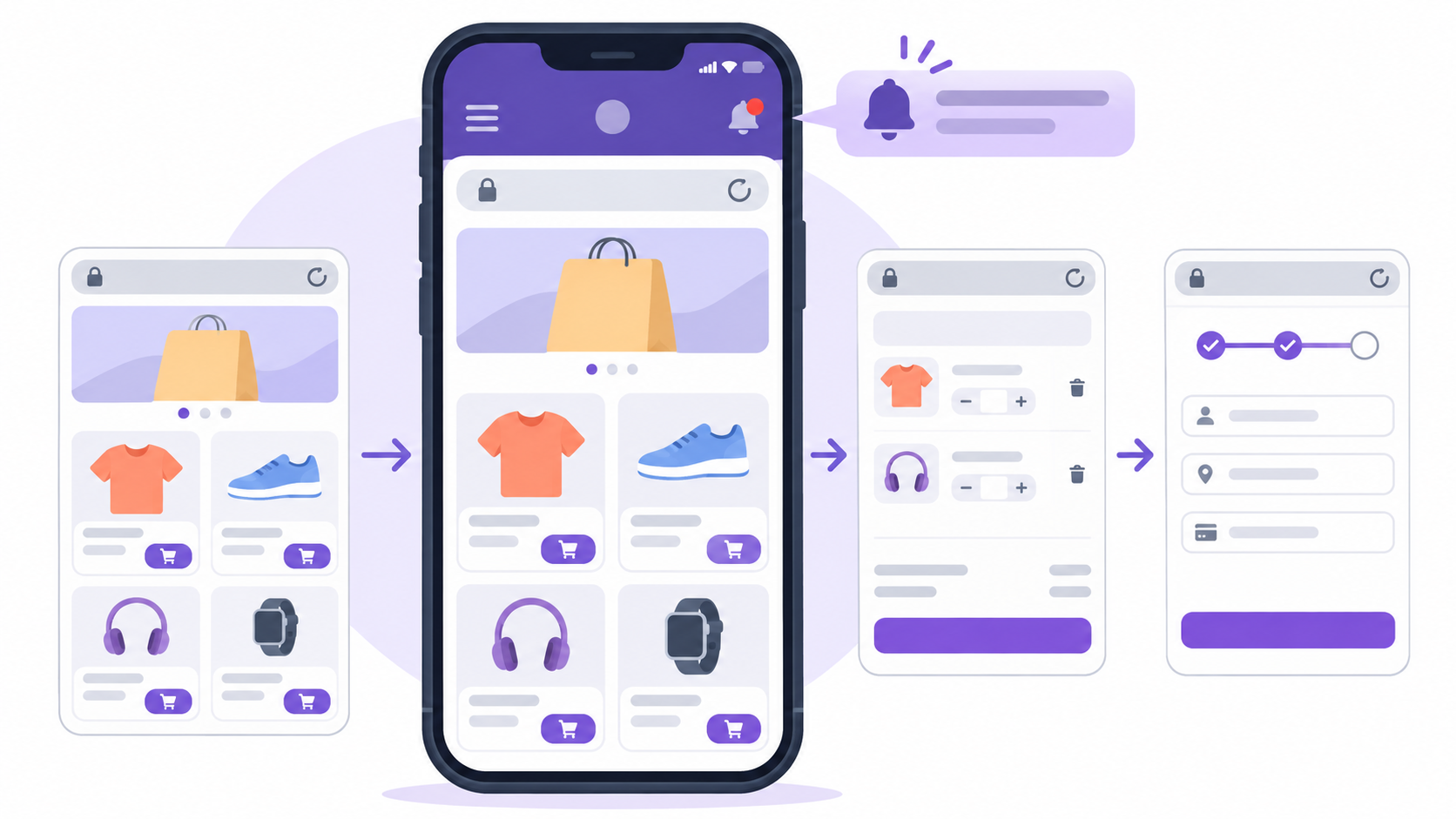
WooCommerce is one of the most natural use cases for WPMobile.App. The app is based on a WebView: it displays the existing WordPress website and its WooCommerce interface instead of rebuilding the catalogue, cart, customer account and checkout flow in a separate application.
In practical terms, if a store works properly on mobile in Safari or Chrome, its WooCommerce foundation will also work inside the app. Products, variations, cart, coupons, customer accounts, order history and checkout remain managed by WordPress and WooCommerce. There are no two stores to maintain and no two inventories to synchronise.
WooCommerce remains the store: the app is another way to access it
The key is understanding where the logic lives. WPMobile does not copy WooCommerce products into an app-specific database. The WebView loads the actual website, with its theme, plugins and existing WordPress data. When a price changes in WooCommerce, it changes immediately in the app. When a product is added or removed from stock, there is no need to submit a new app version to the stores.
The same applies to website changes. A new category, a menu update, a redesigned product page or a new page is served by WordPress. This architecture avoids one of the traditional problems with e-commerce apps: maintaining the website and a completely separate mobile interface in parallel.
There is an obvious consequence: the experience inside the app directly depends on the mobile quality of the website. A store that is difficult to use on a six-inch screen does not magically become better when placed inside a WebView. Before going any further, you can test the website for free in the demo app and actually browse the catalogue, cart and checkout.
Catalogue, cart, customer account and orders remain compatible
For a standard WooCommerce store, no special processing is required to display products. Product pages remain WooCommerce pages, variations continue to use the website logic and the cart keeps its normal behaviour. The same principle applies to My Account and order management.
This is particularly useful for a small shop, maker, creator or SME that has already invested in its WordPress website. Rebuilding the entire e-commerce front end as a dedicated native application would rarely make sense: it would add development, testing and maintenance while WooCommerce already handles the core job.
The approach should still match the scale of the project. WPMobile is not intended to become Amazon’s mobile architecture 😄 A very large e-commerce platform requiring highly specific interfaces, advanced offline operation, complex native processing or a dedicated mobile team may be better served by a custom application. For a conventional WordPress store, a WebView keeps the architecture much simpler.
The point to watch: payment methods that open another app
WooCommerce checkout works inside the WebView, but there is one particular case worth testing carefully: payment methods that leave the app to open a banking or external payment application.
The problem is not necessarily leaving for the payment app. The main issue is the return path. Once payment has been approved, the external application usually knows the web return URL provided by the payment gateway. It may therefore send the user back to the website in their browser rather than back into the WPMobile app. The order may have been paid correctly in WooCommerce, but the user journey becomes less polished because it ends outside the app.
The exact behaviour depends on the payment provider and its authentication flow. It is therefore better to test the payment method actually used by the store instead of assuming that a checkout working in a browser will behave identically inside the app. Payment flows that remain web-based are naturally easier to handle.
WooCommerce notifications add a real reason to use the app
The value of an app is not limited to putting a shop icon on the home screen. WPMobile can also turn some of the events for which WooCommerce normally sends emails into push notifications: new orders, new notes, shipping events, cancellations and other changes related to an order lifecycle.
The principle is close to the one described in the article about how push notifications work in a WebView app: WordPress knows that an event occurred, and the app provides a way to reach the user on their phone. For an online store, this is often more useful than a generic marketing push because the message relates to an action or order the customer already knows about.
Email should still remain in place. Push notifications depend on the app being installed and on the user granting notification permission. They complement existing WooCommerce emails rather than replacing them.
Be careful with digital products and subscriptions
Technical compatibility with WooCommerce does not mean every business model is automatically accepted by Apple and Google. App stores apply specific rules when an app sells digital content, features or subscriptions consumed within the app.
WPMobile does not provide an in-app purchase system. A shop selling physical products is therefore a very different case from an app that unlocks a subscription or digital content after payment. I cover this separately in the article about subscription apps and app-store rules.
This distinction is worth checking before publication, rather than after the entire business model has been built around the app.
What kind of WooCommerce store is a good fit?
The best use case is ultimately straightforward: an existing WordPress store that already works well on mobile and wants to offer customers an installable app, push notifications and a presence on the stores without rebuilding the whole e-commerce platform.
Because WPMobile uses the existing website, the approach can be validated early. The demo is free and requires no credit card; it can be used to browse products and check the purchase flow before buying a licence. Pricing is then based on a one-time payment, with no additional WPMobile fee based on the number of products, orders or app downloads.