iOS push notifications require a certificate allowing the application to communicate with Apple Push Notification service (APNs). With WPMobile.App, this certificate is provided as a .pem file that must be installed in the WordPress plugin settings.
The certificate is not permanent. It is valid for 13 months, which means it must be renewed regularly to continue sending notifications to iPhone and iPad users.
The procedure is fairly simple with WPMobile, but there is one important detail: Apple allows a maximum of two certificates of this type for the same app identifier. If both slots are already occupied, an older certificate must first be revoked before a new one can be generated.
What is the iOS push notification .pem certificate used for?
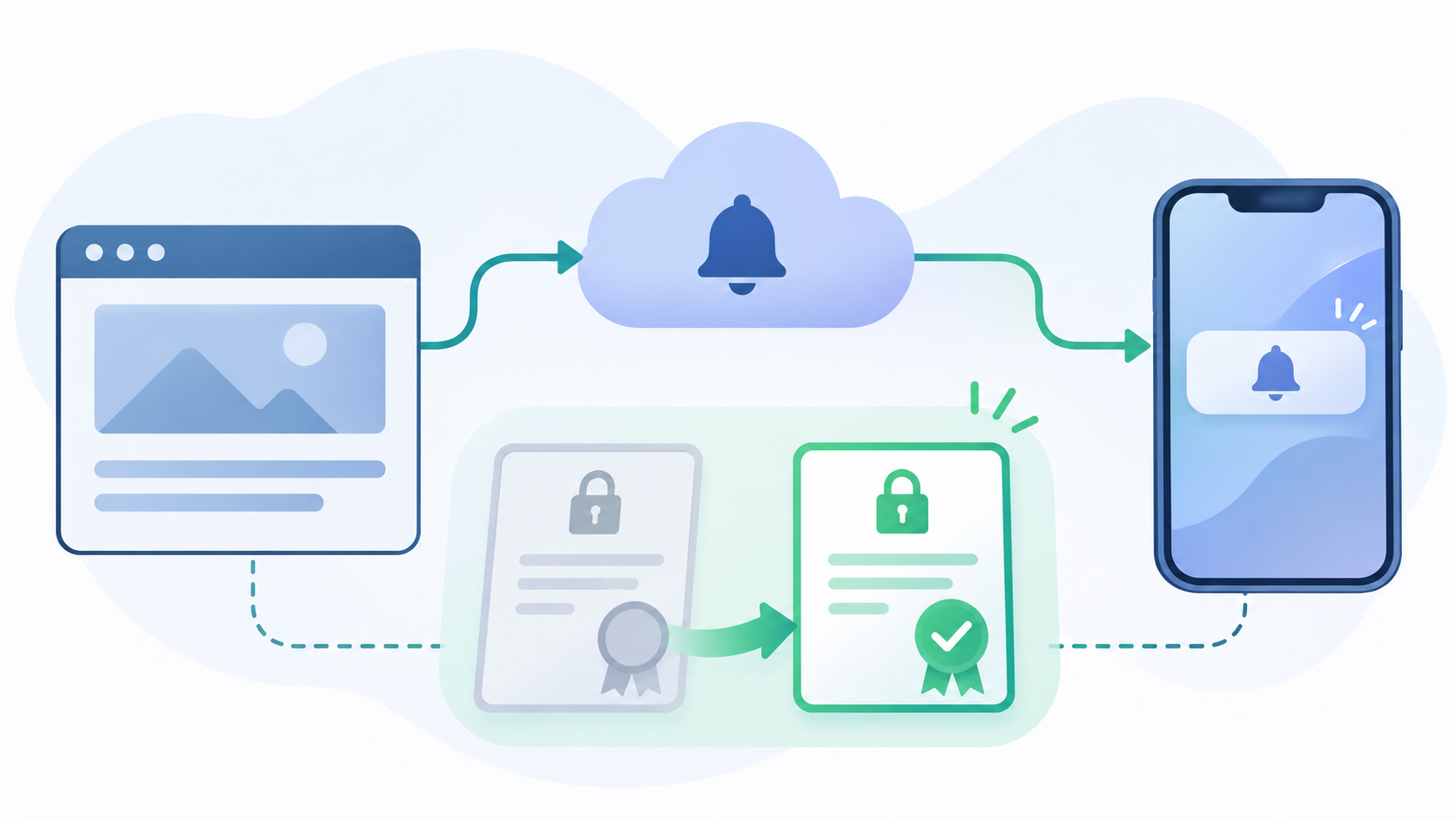
When a WordPress website sends a push notification to an iOS application, the message does not travel directly from the WordPress server to the iPhone. It passes through Apple Push Notification service, commonly known as APNs.
Apple needs to verify that the server requesting delivery is authorised to send notifications for the relevant application. The certificate provides this authentication.
With WPMobile, the .pem file contains the elements needed for this connection. It is associated with the iOS application identifier and must be installed in the WordPress plugin settings so that notifications can be delivered through Apple.
This certificate is unrelated to displaying the WordPress website inside the app or to the domain’s HTTPS certificate. Its purpose is specifically to authenticate iOS push notification requests.
Why does the certificate expire after 13 months?
The APNs certificates used by WPMobile have a limited validity period of 13 months. Once that period has passed, an expired certificate can no longer be used to authenticate notification requests with Apple.
The WordPress website and iOS application may continue working normally. Users can still open the app, browse pages and use the website’s features.
However, iOS push notifications relying on the expired certificate can no longer be sent correctly. It is therefore better to renew the file before its expiration date rather than wait for the first delivery problems.
This renewal is part of normal iOS application maintenance. It does not mean the application is obsolete or that a new WPMobile licence is required.
Apple’s limit: two certificates per app identifier
Apple limits the number of simultaneously active APNs certificates of this type to two for the same application identifier (Bundle ID).
This limit makes it possible to prepare a replacement certificate before the previous one expires. An older certificate can temporarily remain valid while a new one is prepared for use.
However, if two certificates already exist, Apple will not allow a third to be created. This is a fairly common situation when an application has already undergone a renewal or several certificates have been generated during maintenance.
In that case, WPMobile cannot automatically create another certificate until a slot becomes available in Apple Developer.
The recommended approach is therefore to check existing certificates and revoke one that is no longer needed before starting the renewal.
Step 1: revoke an old certificate in Apple Developer
First, sign in to the Apple Developer account used to publish the application and open Certificates, Identifiers & Profiles.
In the certificate list, identify the Apple Push Services certificates associated with the application’s Bundle ID.
If two certificates are present, select one that is no longer used and revoke it. This frees a slot so that WPMobile can generate a new certificate.
Be careful: revoking the certificate currently used by WordPress will interrupt notification delivery that depends on it until a valid replacement has been installed. It is therefore preferable to revoke an unused certificate whenever possible.
If both certificates are still used by different systems, identify their purposes before revoking either one. Apple’s limit applies to the application identifier, not just to WPMobile.
Step 2: update the app from the WPMobile Dashboard
Once a slot is available, sign in to the WPMobile.App Dashboard and select the relevant iOS application.
From the Dashboard, request an application update. During this operation, WPMobile can generate a new iOS push notification certificate associated with the application’s identifier.
There is no need to modify the WordPress website or change notification settings before this step. Certificate generation is handled by WPMobile as part of the update process.
Keep the two-certificate limit in mind: if no slot has been freed, the new certificate cannot be created.
The Dashboard update is used here to obtain the new certificate. Renewing push notifications does not, by itself, require publishing a new application version on the App Store.
Step 3: download the new .pem certificate
When the update finishes, a new .pem certificate is available for download if generation was successful.
Download the file and keep it available until it has been installed in WordPress. The certificate belongs to the selected iOS application and must not be used for another application with a different Bundle ID.
If no new certificate is available, the first thing to check is whether a slot was actually free in Apple Developer when generation took place.
There is no point repeatedly requesting updates without checking this first: WPMobile cannot bypass Apple’s certificate limit.
The .pem file contains sensitive authentication material. It should not be published on the website, committed to a public Git repository or shared with people who do not need access to it.
Step 4: install the certificate in the WordPress plugin
Once the new file has been downloaded, replace the certificate used by the WPMobile plugin on the WordPress website.
In the WordPress administration area, open:
WPMobile > Notifications > Settings > iOS
This section contains the configuration required to send notifications to Apple devices.
Upload the new .pem file and save the settings. The plugin will then use the new certificate to authenticate subsequent notification requests with APNs.
The previous certificate does not need to remain installed in WordPress. The important thing is that the plugin uses a valid file corresponding to the published iOS application.
Step 5: send a test notification
After replacing the certificate, it is recommended to send a test notification to an iPhone where the application is installed and notifications are enabled.
This verifies that the new certificate is correctly configured and that communication with APNs is working.
If the notification does not arrive, several things should be checked: does the certificate match the correct application identifier? Was the file saved successfully in WordPress? Are notifications enabled on the test iPhone?
It is also important to distinguish a certificate problem from a notification issue affecting a particular device or user. The general mechanism is explained in the article about push notifications in a WebView application.
Do I need to publish a new version on the App Store?
No. Renewing the .pem certificate used to send notifications does not require publishing a new application version on the App Store.
The certificate is used on the server side, from WordPress, to communicate with APNs. As long as the application identifier remains unchanged and the notification configuration is correct, replacing the certificate in the plugin is sufficient.
It is therefore important to distinguish two operations: updating the application from the WPMobile Dashboard to generate a new certificate, and publishing a new version of the application on the App Store.
The first operation is required for this procedure. The second is not required solely to renew the notification certificate.
This distinction is also important for understanding WordPress mobile app maintenance: not every technical change requires a new public release.
When should the certificate be renewed?
The best approach is to renew it before the 13-month validity period ends. This avoids interrupting notifications and provides enough time to check the existing certificates in Apple Developer.
There is no need to renew the certificate every time WordPress, the plugin or the application is updated. As long as the file is valid and notifications work, it can continue to be used.
In practice, the complete procedure consists of four operations: free a certificate slot in Apple Developer if necessary, update the application through WPMobile, download the new .pem file and import it into the iOS notification settings of the WordPress plugin.
Once the certificate has been installed and tested, notifications can continue working without changing WordPress content or publishing a new App Store version.