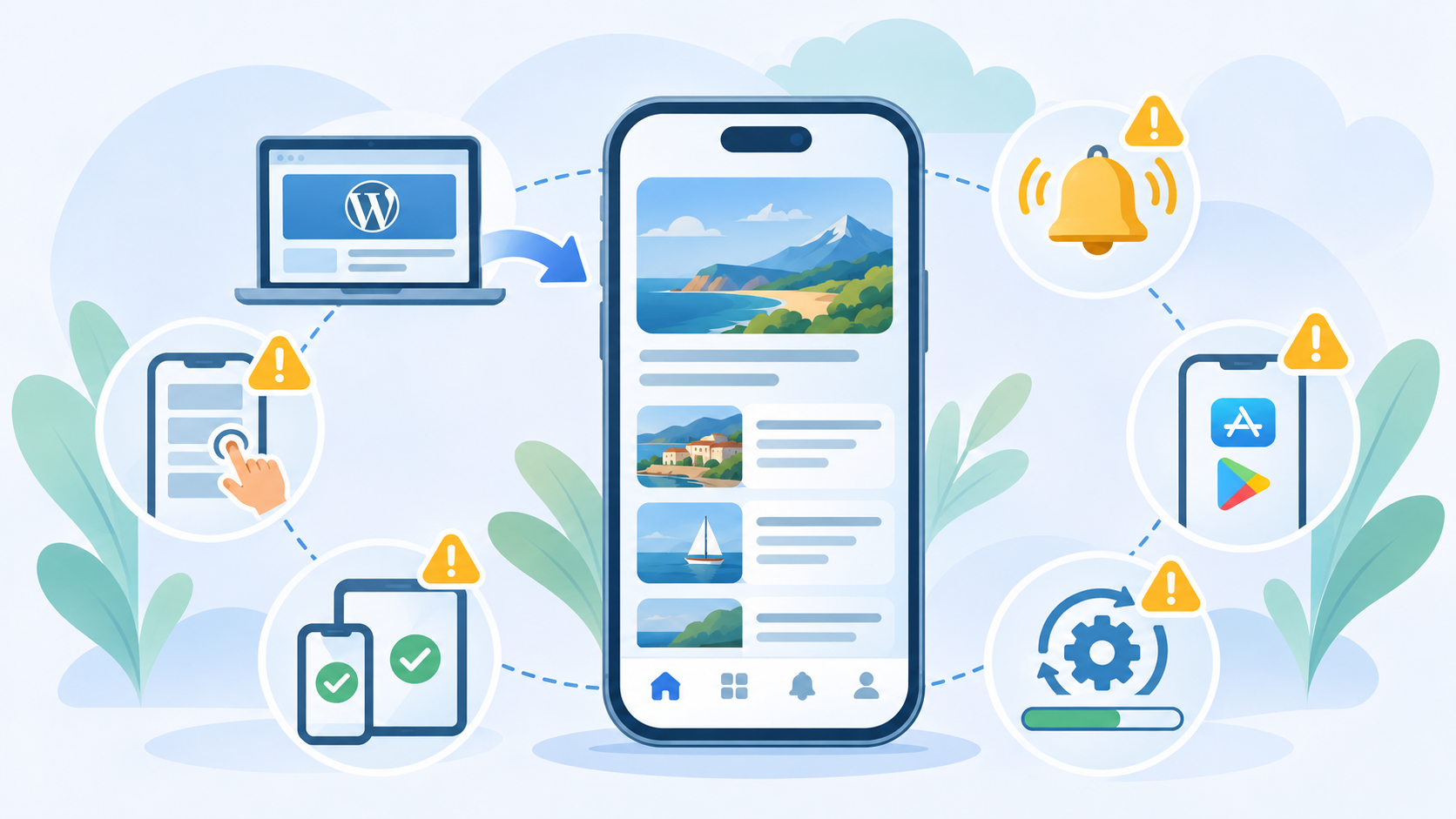
Creating an application from an existing WordPress website greatly simplifies the project compared with fully custom mobile development. That does not mean generating the app, submitting it to the stores and considering the work finished is enough.
The most common problems do not necessarily come from native code. They often concern the website itself, expectations around the application, testing or publication preparation. Many of them can be avoided before even creating the first store-ready version.
1. Creating an app without knowing why anyone should install it
The first mistake is probably the most fundamental. “Having an app” is not a use case. An application needs to provide a sufficiently clear reason for someone to install it and then keep it on their phone.
That reason may be frequent consultation, useful notifications, a customer area, a store visited regularly or faster access to a service. It does not need to be spectacular. It simply needs to exist.
For some projects, an excellent mobile website will remain the better solution. The article about whether an app is relevant for a WordPress project addresses this question before the technical work begins.
2. Assuming the app will fix a poor mobile website
A WebView app uses the website. That is its main advantage, but it also means inheriting its strengths and weaknesses. Navigation that is awkward on a smartphone does not suddenly become pleasant because it is displayed inside an application.
Menus, forms, popups, banners, video players, tables and checkout flows should therefore be tested on a real small screen. Responsive design means more than simply avoiding horizontal scrolling.
Before publication, the website can be loaded for free inside the WPMobile test app. This helps identify such problems before preparing screenshots and store listings.
3. Testing only the home page
The home page may be perfect while an important form is unusable. For a store, a problem may only appear during payment. For a member area, only after login. For a media website, only on a particular article format.
Proper testing should therefore follow actual user journeys. Try what people will really do: create an account, submit a form, purchase a product, open a document, use search or navigate back after visiting several pages.
External links and functions that temporarily leave the app also deserve attention. A journey crossing multiple applications can behave differently from the same process in Safari or Chrome.
4. Discovering store rules at the last minute
A technically functional application is not automatically publishable. Apple and Google impose their own distribution rules, some of which directly affect the business model or content being offered.
Digital purchases and subscriptions are a common example. Building an entire application around a web payment flow before discovering that a store imposes specific rules can force major changes very late in the project.
Publication constraints should therefore be considered from the beginning. I cover some of these topics in the articles about publishing on the App Store and Google Play validation.
5. Treating notifications as a free marketing channel
Receiving permission to send notifications does not mean earning the right to interrupt users whenever desired. A notification arrives on a personal device and is often accompanied by a sound or vibration. The level of interruption is not comparable with publishing something on a website.
A poor strategy can quickly lead users to disable notifications or remove the app completely. The objective should therefore not be sending as many pushes as possible, but preserving the value of the channel.
Transactional messages, genuinely expected information and important publications are generally better candidates than a promotion repeated every week. Voluntary limits on push notifications are part of a good mobile experience.
6. Forgetting the cases where the app leaves the WebView
As long as navigation remains inside the website, behaviour is relatively predictable. Interesting edge cases often appear when a link opens another application: phone, email, maps, payment or another external service.
WooCommerce provides a good example with certain banking applications. Payment may be completed correctly, but the return journey can then open the website in the browser rather than returning to the app. This is not necessarily a blocker, but it is better to know before customers report it.
The rule is simple: whenever an important function depends on an external service, test the complete journey on a real phone rather than only checking that the first link opens.
7. Believing that store publication automatically creates an audience
The App Store and Google Play are distribution channels, not a guarantee of acquisition. A WordPress application intended for a company’s customers will generally be downloaded because the company introduced it to those users, not because someone randomly discovered it among millions of apps.
It is therefore worth planning how the application will be presented: a link from the website, communication with customers, a QR code at a physical location, email or another relevant contact point.
This also avoids measuring success exclusively through installation numbers. A small app regularly used by a few hundred customers can be entirely successful if it solves the problem for which it was created.
8. Forgetting that an app continues to evolve after publication
Reusing WordPress significantly reduces maintenance because content changes and many website updates do not require a new application version. However, Android, iOS and the stores continue to evolve as well.
New operating-system versions arrive, SDKs change and publication requirements are regularly updated. It is therefore important to distinguish daily content maintenance, which remains in WordPress, from maintenance of the native layer.
I explain this distinction in the article about mobile app maintenance and what needs to be anticipated. A simple architecture reduces the workload; it does not make the mobile ecosystem static.
Testing early prevents most unpleasant surprises
Many of these mistakes have one thing in common: they only become expensive when discovered late. Testing the website inside the app before purchase, checking important journeys before submission and reviewing rules related to the business model before finalising the project require relatively little time.
WPMobile deliberately keeps the architecture simple: the WordPress website remains at the centre and the application adds the mobile layer. The clearer the website, use cases and expectations are before publication, the more effectively that simplicity can do its job.