WordPress has historically been widely used to publish articles, news and editorial content. Turning this kind of website into a mobile application therefore seems fairly natural: the content already exists, changes regularly and part of the audience may return several times a week.
That alone is not a sufficient reason to build an app. An article discovered through Google, social media or an external link remains much easier to open on the Web. The application becomes most useful for regular readers who already know the publication and want direct access to its content.
Content remains entirely managed in WordPress
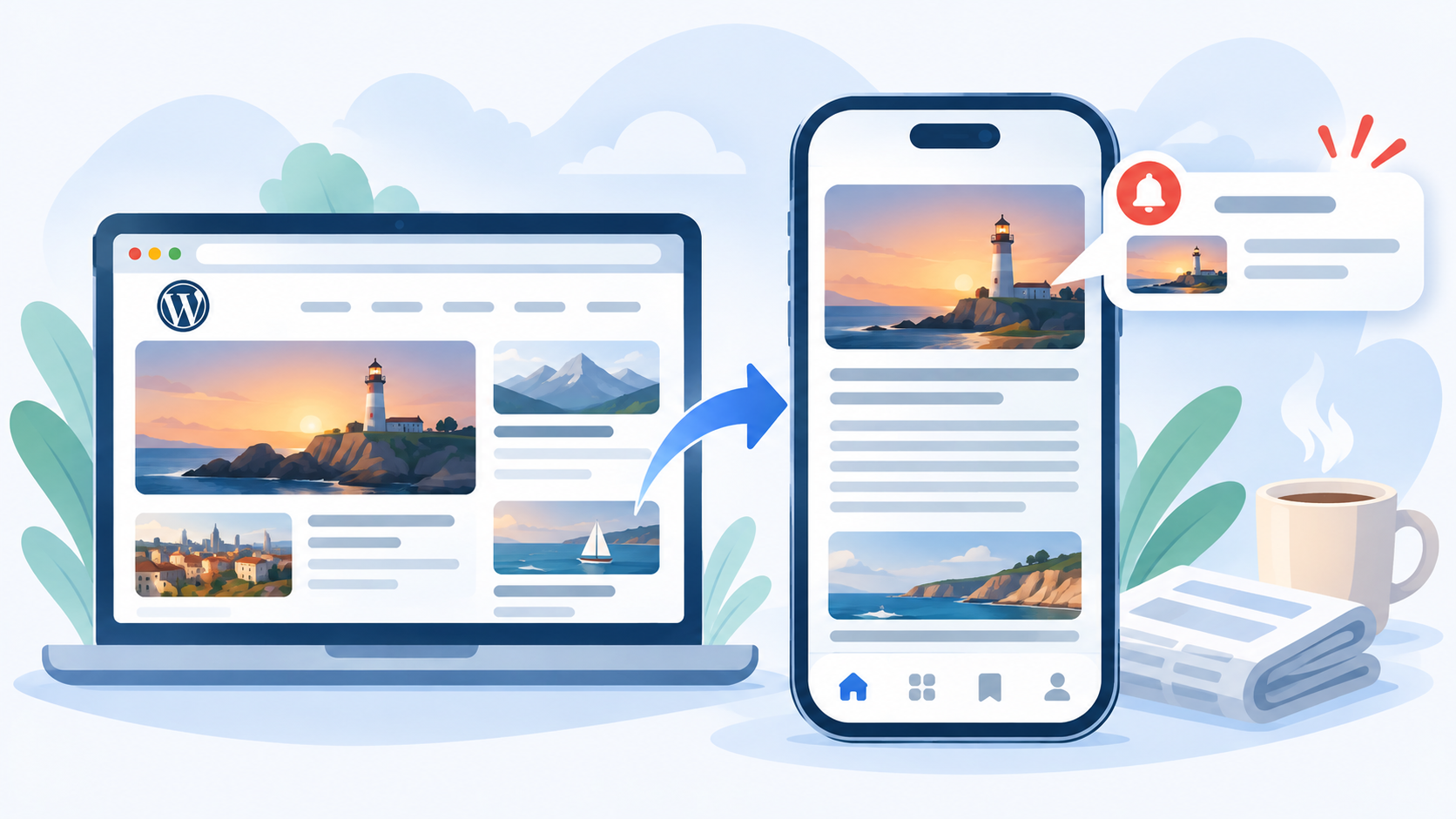
With a WebView app, there is no need to publish every article twice. WordPress remains the media website’s CMS. Titles, images, categories, authors and content are managed exactly as they are for the website.
A publication becomes available in the application as soon as it is accessible through WordPress. There is no need to submit a new store version whenever an article is added, and no need to wait for Apple or Google review to correct a typo in an article.
This architecture is particularly useful for a small editorial team or independent blog. The application does not create a second editorial workflow. It uses the one that already exists.
An app primarily targets regular readers
The Web remains better for discovery. An article can be indexed by search engines, shared in an email or sent directly through messaging. Asking someone to install an application before reading their first article would obviously be counterproductive.
The app comes later in the relationship. Someone who visits the website every day or every week may prefer an icon on their home screen. The publication no longer needs to be found through a search or bookmark, and the user can immediately access the latest content.
This is an important difference compared with a basic business website. Editorial content naturally creates a reason to return. The higher the publishing frequency and reader loyalty, the more coherent the application becomes.
Push notifications are particularly suited to editorial content
A media website also has natural material for notifications. An important new article, breaking news or an expected publication may justify a push. WordPress already knows when new content has been published; the application adds a channel for notifying readers.
The difficulty is not technical but editorial. Sending a notification for every publication may work for a site publishing occasionally but become unbearable for one publishing twenty articles every day. Volume should match the relationship with the reader.
I dedicated an article to voluntary limits for push notifications. A media app is probably one of the best examples: technically being able to send a message does not mean it should always be sent.
The mobile reading experience needs to be good first
An app does not automatically make an article easier to read. If the website contains aggressive interstitials, ads that constantly move the content, tiny typography or blocks designed exclusively for desktop screens, those problems will also appear inside the WebView.
For a media website, reading comfort deserves particular attention. Paragraph width, font size, contrast, image weight and page stability matter more than sophisticated visual effects around the application.
The best way to check this behaviour is to read several real articles. The WPMobile demo can load a WordPress website for free, making it possible to evaluate the result inside the app before moving on to publication.
The application does not replace the media website’s SEO
Publishing an app does not mean moving the editorial strategy away from the Web. WordPress pages continue to exist, remain indexable and can receive external links. This matters for publications where a significant part of acquisition comes from search engines.
The application and website therefore play complementary roles. The Web supports discovery and the universal sharing of URLs. The app makes it easier for an existing reader to return and provides access to mobile features such as notifications.
Hiding all content behind an application simply to increase installation numbers would generally be counterproductive. Readers need to be able to discover the publication before they have a reason to give it a permanent place on their phone.
Member areas can make the app more useful
Some WordPress blogs and media websites offer more than public articles. They may include reader accounts, members-only content, private archives or other features requiring authentication.
In that situation, the app can become a regular access point to this area. Users find the same WordPress installation, their account and the features already developed for the website. The WebView avoids rebuilding all that logic separately.
However, attention is required when access to digital content is sold through the application. App-store rules regarding digital purchases and subscriptions may then apply. Technical compatibility with WordPress does not remove the need to check Apple and Google’s distribution requirements.
A small publication may benefit more from an app than a larger occasional website
Raw traffic can be misleading. A specialist publication with a few thousand highly loyal readers may have a stronger app use case than a website receiving ten times more visitors almost entirely from one-off searches.
The application targets the core readership, not necessarily every visitor. If 5% or 10% of the audience returns very regularly, that group may already represent a meaningful community for an app.
The cost model is also different from building a complete custom editorial application. WPMobile reuses the existing WordPress website and licences are available without a recurring WPMobile subscription. For an independent publication, this makes a mobile presence possible without creating a second platform that must be financed indefinitely.
Content should remain the main reason to install the app
A media application does not become useful because it has an icon or because it is listed on two app stores. It works when readers genuinely want to return to the content.
Regular publishing, a loyal readership and notifications used with restraint therefore provide a much stronger foundation than the total number of pages on the website. When those elements already exist in WordPress, the app can simply make that relationship more direct without changing the existing editorial workflow.