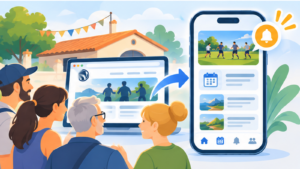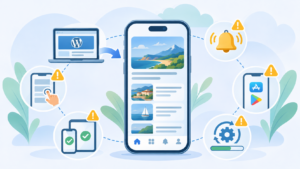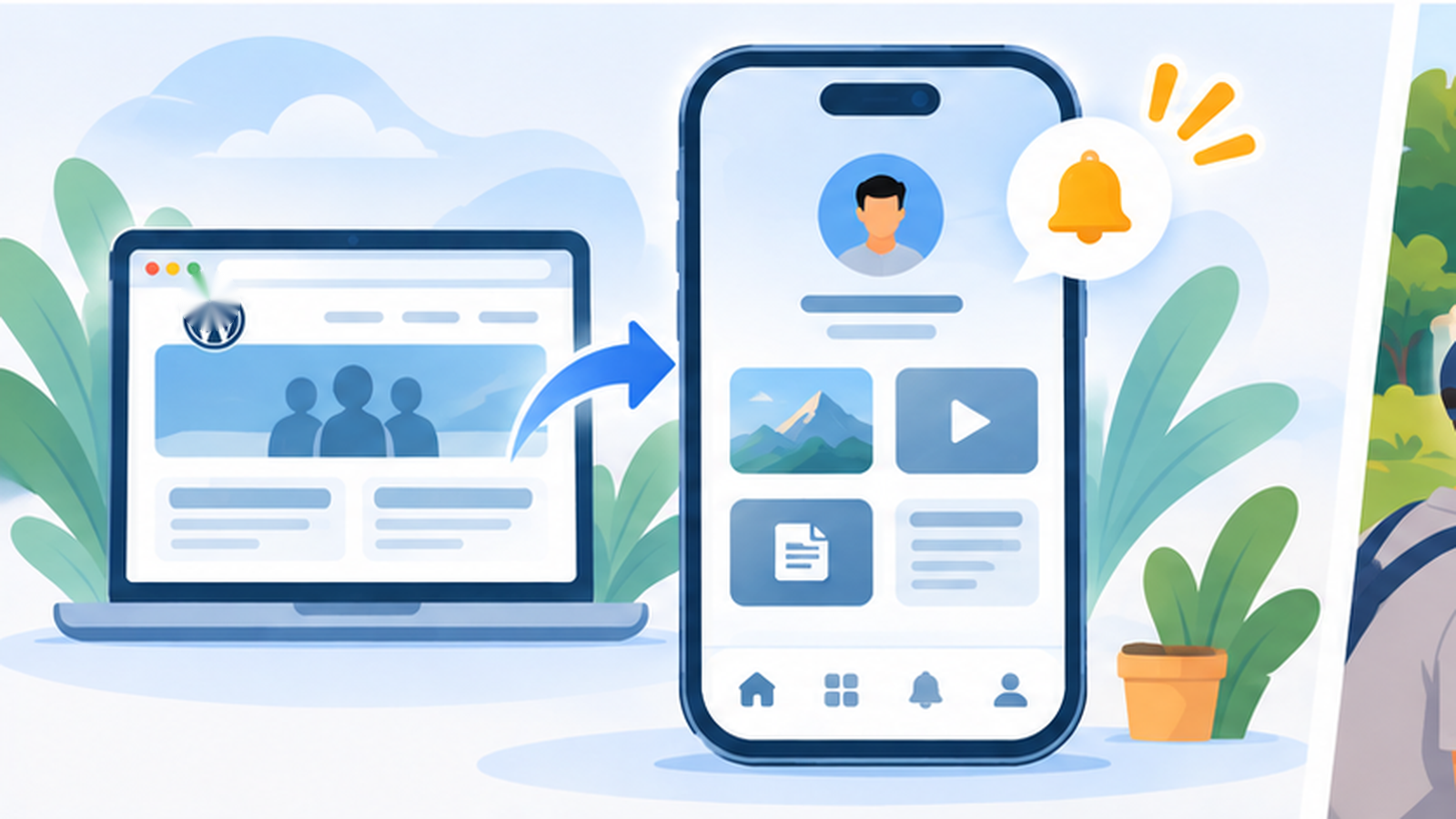
A WordPress website with a member area is often a stronger candidate for an application than a purely informational website. The reason is less about technology than usage: when someone has an account, logs in regularly and accesses private content or services, direct access from a phone icon starts providing concrete value.
This may be an association, community, customer portal, extranet or website offering content restricted to certain users. In all these cases, WordPress already manages much of the logic. A WebView app makes it possible to keep that logic rather than rebuilding accounts and content separately.
The member area remains in WordPress
The principle is the same as with the rest of a WebView app: the application does not need its own copy of users and content. Accounts remain managed by WordPress and the plugins already used by the website.
A page available only to members therefore continues to apply the rules defined in WordPress. When an administrator adds private content or changes a user’s permissions, the application benefits from that change without requiring a new version to be published.
This is particularly useful for projects that have accumulated significant business logic inside WordPress. Reproducing the same roles, permissions and restrictions in an independent mobile backend would create a second data source and considerable additional maintenance.
The value depends on how often members log in
A customer portal used once a year to download an invoice probably does not need an application. An area visited several times a week to follow information, read documents or interact with a community is a very different use case.
The home-screen icon then reduces the distance between the user and the service. There is no need to open a browser, find the website address and navigate back to the relevant area. That saving is minor for an annual action but becomes useful when repeated regularly.
This follows the same logic as turning a business website into an app: frequency and value of use matter more than simply having a user-account feature.
Notifications can complement the private area
A member area often contains events worth signalling: new content, important information, a message or another change the user is expecting. Push notifications can draw attention to these events without requiring users to manually check the website.
The notification does not necessarily need to contain the private information itself. It can simply indicate that something new is available and open the relevant page inside the application.
As always with notifications, frequency matters. A member area does not provide a licence to interrupt users constantly. Push works best when it corresponds to something they have a genuine reason to expect.
The mobile behaviour of the login system needs testing
Not all WordPress authentication systems work in the same way. Some use a conventional form, while others add external authentication, SSO, email validation or additional security mechanisms.
A standard web form designed for mobile use generally presents no particular difficulty inside a WebView. However, as soon as authentication opens an external domain or application and then needs to return to the website, the complete journey deserves testing.
A member area should therefore not be considered compatible simply because its login page displays correctly. The WPMobile demo lets you test the actual website, and it is worth trying both login and the main functions available after authentication.
An app does not replace WordPress security
Placing a member area inside an application does not turn web pages into data protected by the phone’s native security model. Access rules remain those of WordPress. A private URL that is poorly protected on the website will remain poorly protected in the context of the application.
Security therefore needs to be handled at the source: permission checks, sessions, passwords, plugin updates and server restrictions where required. The app adds an access method; it should not be considered a mechanism for hiding a page that would otherwise be public.
This distinction prevents a false sense of security. Content should remain properly protected even if someone knows its direct URL and attempts to access it from a conventional browser.
Be careful when membership is sold as a digital subscription
A free private area, customer extranet or community associated with a physical service raises different questions from a paid subscription providing access to digital content inside the application.
In the second case, Apple and Google’s rules regarding digital purchases need to be reviewed before publication. WPMobile does not provide an in-app purchase system. A subscription sold through a WordPress plugin and working perfectly on the Web does not automatically mean that the same subscription flow can be presented unchanged inside an app distributed through the stores.
The topic is covered in more detail in the article about subscription apps and store rules. The nature of what is being sold matters more than the particular WordPress plugin processing the payment.
The WebView can preserve existing plugins
One of the main benefits for a member area is avoiding the loss of everything already built. WordPress offers many membership, LMS, community and account-management plugins. When they generate a mobile-friendly web interface and do not rely on behaviour incompatible with a WebView, that interface can remain usable inside the application.
This does not mean every WordPress plugin is automatically compatible with every app. Features relying on unusual popups, downloads, external services or complex authentication mechanisms need to be checked.
Testing the actual project is therefore more useful than relying on a theoretical compatibility list. Two websites using the same plugin may still have completely different themes and configurations.
A good member area already has the reason for the app to exist
One of the main problems for many applications is finding a reason for users to return. An active member area often already has that reason: private content, community, documents, information or services associated with the account.
When that usage genuinely exists, the app can simply make it more accessible and add useful mobile functions. Costs also remain predictable because WPMobile licences do not require a recurring WPMobile subscription.
On the other hand, creating an application will not suddenly make an inactive member area popular if nobody uses it on the Web. As is often the case, an app works best when it supports an existing behaviour rather than being expected to create that behaviour on its own.