Turning a WordPress business website into a mobile app can seem strange at first. If the website mainly presents a company, its services, a few news items and a contact form, why ask visitors to install an app?
The simple answer is that in many cases, you should not. A mobile application is not automatically an improvement over a good responsive website. It becomes interesting when there is a concrete reason for users to return regularly, receive information or quickly access specific features.
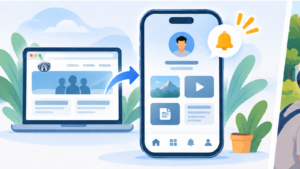
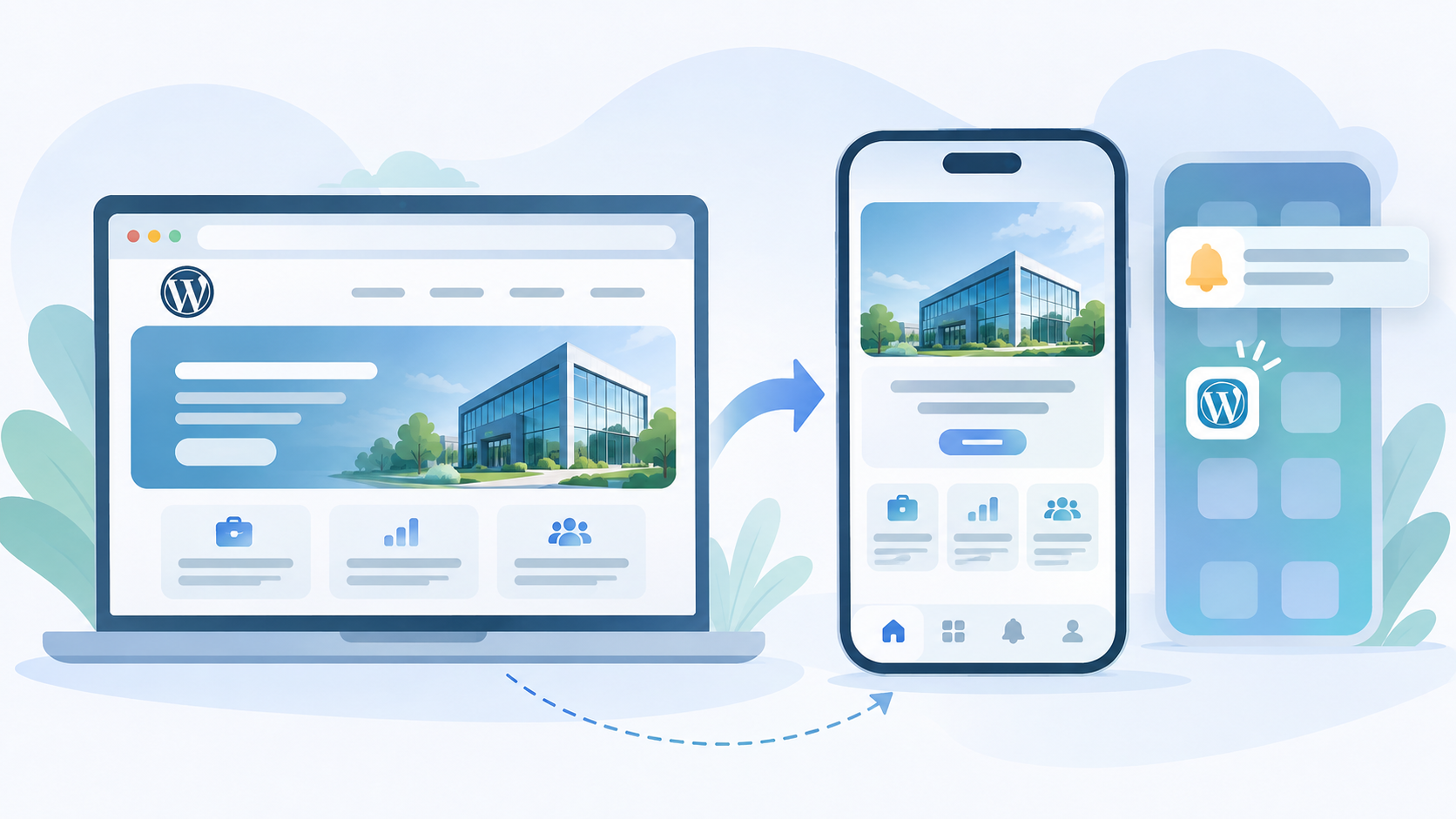
With a WebView solution such as WPMobile.App, however, the question is easier to consider than with fully custom native development. The existing WordPress website remains at the centre of the project: the application uses it directly instead of requiring all content to be rebuilt in a second interface.
A business website does not necessarily need an app
A visitor looking for a plumber’s opening hours, checking a company’s services once or finding a phone number probably has no reason to install its application. The website already answers that need perfectly, with no installation and from any browser.
This matters because being present on the App Store and Google Play can easily become a goal in itself. Having an app may make a product feel more complete, but its actual value depends on what happens after installation. An application that is downloaded and then forgotten does not add much to the project.
I discussed this distinction in the article about whether a mobile app is relevant for every WordPress project. For a business website, usage frequency is probably the first criterion to examine.
A business website becomes more interesting when usage is recurring
The term “business website” actually covers very different projects. A five-page corporate website visited once does not have the same usage pattern as an association website, a gym, a local venue or a company regularly publishing information for its customers.
As soon as part of the audience returns several times a month, an application can provide more direct access. The icon remains on the phone’s home screen, users no longer need to search for the website or remember its address, and navigation can focus immediately on the content that actually matters on mobile.
This may seem like a small difference, but it changes the nature of the app. It is no longer simply reproducing a website: it becomes a permanent shortcut to a service that is already being used. This is usually where the project starts to make sense.
Notifications can create a real difference from the website
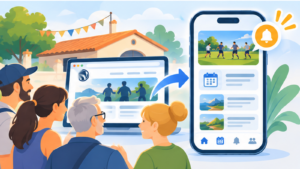
Push notifications are probably one of the most concrete reasons to turn certain business websites into applications. A website waits for the user to return. An app can, with permission, tell them that new information is available.
For an association, that could be a schedule change. For a shop, a one-off announcement. For a company working with a community of regular customers, it could be important news or a new publication. This does not necessarily mean sending promotions every week 📱 A rare but expected notification can be far more useful than a stream of marketing messages.
WordPress remains at the origin of this logic. Depending on the plugins and content type being used, a publication or event can trigger the send. The technical mechanism is explained in the article about push notifications in a WebView app.
This already changes the equation compared with simply having a listing in the stores: the app provides a function that the website alone does not use in quite the same way.
There is no need to rebuild the website to create the app
With a traditional native architecture, turning a business website into an application could require rebuilding pages, developing an API, synchronising content and then maintaining two interfaces. For a small WordPress project, the cost and complexity would often be disproportionate to the expected benefit.
A WebView app approaches the problem from the opposite direction. WordPress continues to manage pages, posts, forms and any connected areas. The application loads that interface and adds the mobile layer required to distribute it as an app.
A website change is therefore immediately available inside the application. Adding a page, correcting a price or publishing news does not require generating a new Android or iOS version. For an SME already managing content in WordPress, this is considerably more reasonable than creating a second CMS just for the app.
The website should already provide a good mobile experience
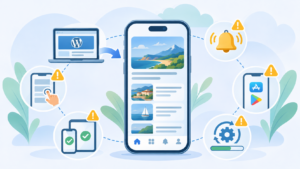
A WebView avoids rebuilding the content, but it does not automatically fix a website that is poorly adapted to smartphones. If buttons are too small, a popup covers half the screen or the menu is difficult to use, the same problems will appear inside the application.
Before thinking about the stores, it is therefore worth checking the responsive layout, loading speed and main user journeys. Forms should be easy to complete using a touchscreen, and important elements should remain accessible without unnecessary interactions.
This constraint is also an advantage: improvements made for the app generally improve the mobile website itself. There is no need to maintain two separate fixes.
WPMobile makes it possible to test a website for free inside the demo application. For a business website, a few minutes are often enough to see whether the existing experience translates well or whether the website needs some adjustments first.
Being on the app stores is not an automatic acquisition strategy
Publishing an application on the App Store and Google Play gives the brand an additional presence, but it does not mean thousands of people will spontaneously discover it. For a business website, app users will generally come from an audience that already knows the company.
The app can be promoted from the website, a customer area, an email, printed material or directly at a physical location. In this context, the store provides a clean distribution channel and a familiar installation process rather than creating a massive new source of traffic on its own.
This also makes it possible to set a more realistic objective. A few hundred installations from genuinely active customers may be far more valuable than several thousand downloads with no recurring use.
An app can provide direct access to specific features
A business website may also have gradually grown beyond its original role. Many WordPress sites now include appointment booking, member areas, private documents, business forms or tools reserved for customers.
In that situation, the application places that usage directly on the home screen. The user is no longer simply installing “the company’s website”: they are installing access to a feature they use regularly.
This is often a better way to evaluate the project. The useful question is not “does my company deserve an app?"but"what would my users actually open in this app?”. If the answer is a clear and recurring feature, the project already has a much stronger foundation.
The cost should remain proportional to the use case
Fully custom native development is difficult to justify for most business websites. Development and maintenance costs can quickly exceed the value created by the application.
WPMobile follows a different approach by reusing WordPress and offering a licence without a recurring WPMobile subscription. Android, iOS and Android + iOS pricing is available on the dedicated page. The relevant comparison is therefore not with the cost of the website, which already exists, but with the additional value provided by this new channel.
For some projects, the calculation will still be negative and the responsive website will be more than enough. For others, recurring usage, notifications or quick access to a customer feature will easily justify the application. Making that distinction is precisely what avoids building an app simply because it is technically possible.