WPMobile.App is a project I have been developing and maintaining for several years. Over time, Android and iOS versions have changed, store rules have evolved, WordPress has continued its own transformation and expectations around mobile applications have changed significantly as well.
The core principle of the product has nevertheless remained relatively simple: use an existing WordPress website as the basis for a real Android and iOS application instead of asking the website owner to rebuild the entire project in a new tool.
That simplicity has taught me several things about WebView apps, but more importantly about what users actually need and where adding complexity does not necessarily improve a product.
A WebView may look simple without being the whole application
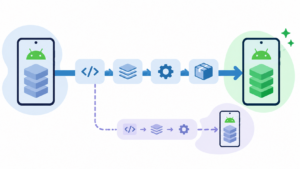
From the outside, a WebView app can be summarised as “displaying a website inside an application”. That description is not wrong, but it leaves out everything that turns that web window into a usable app: navigation, link handling, files, permissions, notifications, Android and iOS behaviour, publication and WordPress integration.
The WebView remains an excellent technical boundary. WordPress handles what it already knows how to handle: content, users, WooCommerce, forms and plugins. The native layer handles functions that genuinely belong to the phone.
I explain this separation in more detail in the article about what a WebView app can do and where its limits are. The clearer this boundary remains, the easier the product is to understand and maintain.
Reusing WordPress is often more important than rebuilding a perfect interface
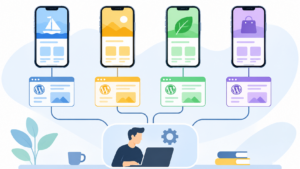
A WordPress website owner has already invested time in content, themes, plugins and sometimes years of business-specific configuration. Asking them to recreate all of this inside an app builder often moves the problem rather than solving it.
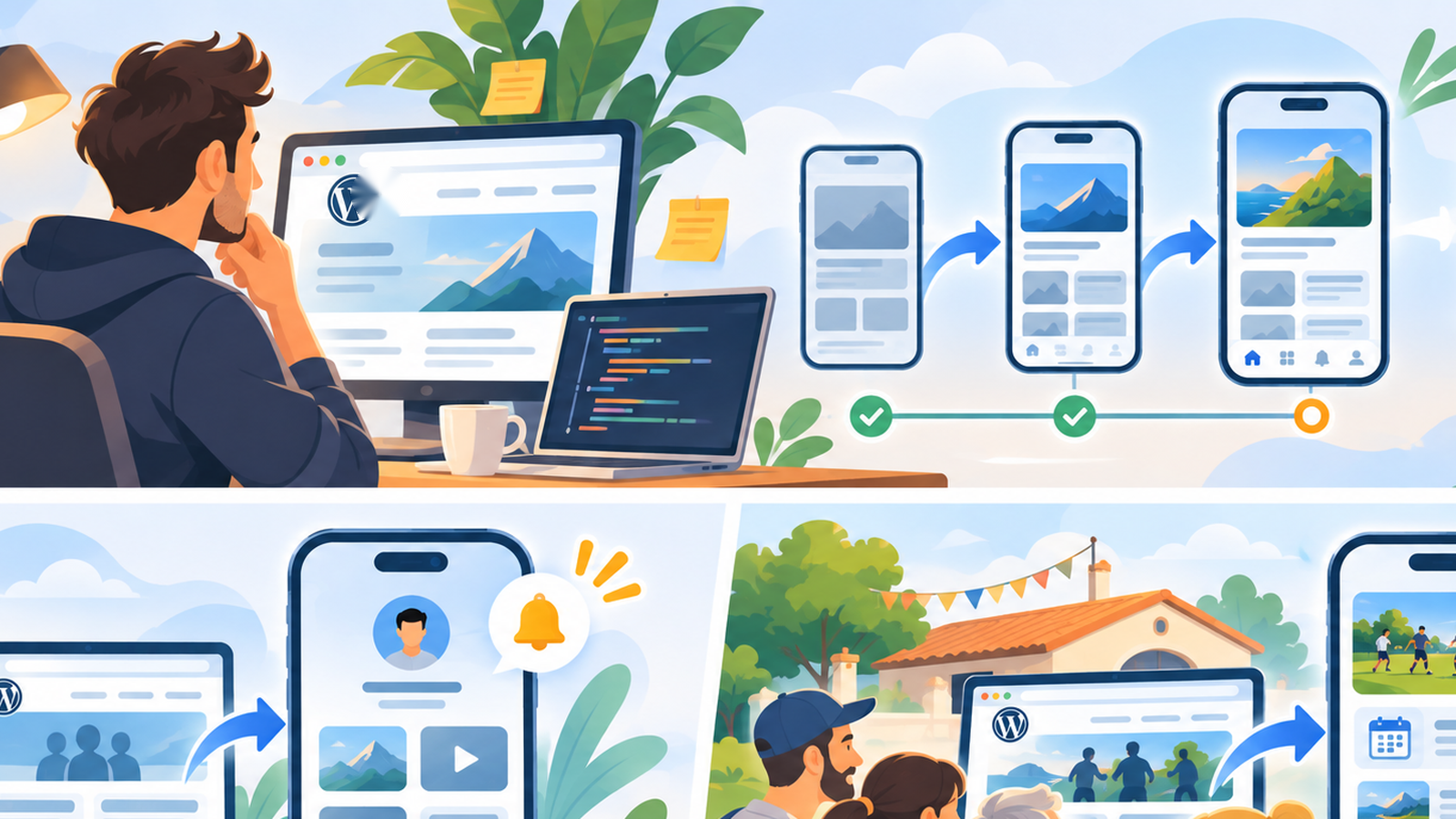
The WebView preserves that investment. When the website changes, the application follows. When a plugin adds a web feature compatible with the mobile environment, it can often be used without developing a native equivalent.
Of course, this approach has limits. A fully custom native interface can go much further. But the important question is not which architecture can theoretically do the most. It is which one matches the actual project and budget.
The best support decision is sometimes refusing a feature
Over time, it is tempting to add every request received. One user wants an option, another wants a variation of that option, then someone asks for an additional setting controlling the variation. A few years later, a simple product can become an incomprehensible configuration panel.
I therefore try to maintain a fairly clear boundary between a function useful to many projects and a highly specific requirement that should probably remain custom development. Integrating everything does not necessarily help users.
This reasoning also explains certain voluntary limits, particularly around notifications. A tool may technically be capable of more while deliberately choosing not to expose every possibility. Simplicity is part of the product; it is not merely the absence of features.
Apple and Google are part of the project even when you would rather forget them
An app distributed publicly necessarily depends on the platforms distributing it. App Store rules, Google Play requirements, minimum SDK versions and operating-system changes therefore become part of the work.
This is probably one of the biggest differences compared with a conventional WordPress plugin. On the Web, publishing a new version mainly depends on the server and browser. On mobile, an application must also continue meeting the requirements of two external ecosystems.
This reality explains why mobile app maintenance needs to be anticipated, even when most of its content comes directly from WordPress. Reducing the amount of native code helps considerably, but it does not remove Android, iOS or the stores from the equation.
Edge cases are often more important than the main journey
Displaying a WordPress page in a WebView is the easy part. The interesting questions start at the boundaries: what happens when a link needs to open the phone, maps or another app? What happens when a payment temporarily leaves the application? How should back navigation behave? What about a download or a particular authentication flow?
These cases may affect only a small percentage of users, but they determine whether the application feels natural or constantly feels like a website trapped inside a window.
Over time, a significant part of the work therefore becomes less about adding large visible features and more about correctly handling these small transitions between the Web, WordPress and the mobile operating system.
Notifications are easy to explain and difficult to use well
Push notifications are one of the features that most easily justify creating an application. Their value is straightforward: WordPress knows something happened and can notify the user’s phone directly.
But the real question quickly stops being how to send the notification. It becomes deciding what actually deserves one. A new order, shipment or expected message does not have the same value as a promotion sent simply to fill a marketing calendar.
This is why I place so much importance on voluntary limits around push notifications. A useful mobile feature can lose all its value when it is used too often.
Users mainly want their WordPress website to keep working
A recurring lesson is that most projects are not trying to reinvent their business simply because they want an app. They want to keep their website, WooCommerce store, customer accounts, articles or forms and add a mobile channel.
This sounds obvious, but it is an important design constraint. A new native feature that requires abandoning an existing WordPress workflow may be technically interesting while directly contradicting the original requirement.
WPMobile therefore deliberately remains dependent on the website. What might appear to be a limitation is also what allows the owner to keep managing the project through an environment they already know.
Testing the real website is better than a long sales demonstration
Two WordPress websites can use completely different themes, plugins and user journeys. Showing a perfectly prepared demonstration app therefore cannot guarantee that a user’s project will produce exactly the same result.
This is why WPMobile lets users test their own website directly. The result is much more informative: the real menu, real pages, real account and any actual problems become immediately visible.
For me, it is also a healthier way to present the product. If the website works poorly inside the app, it is better to know before purchasing. And if the WebView approach simply does not suit the project, another development approach will be more appropriate.
Simplicity ultimately remains the hardest choice
After years of development, it would have been easy to turn WPMobile into a platform with dozens of modules, several subscriptions, a visual builder and a long list of options. That is not the direction I chose.
The product remains based on a fairly direct idea: WordPress already does a large part of the work. The application should add the necessary mobile layer without requiring the project to be rebuilt around it. The one-time licence model follows the same logic.
This approach will never suit every project, and that is normal. Fully custom native development remains preferable when the requirements justify it. But for WordPress websites that primarily need to become accessible as an application, keeping the architecture simple remains, in retrospect, one of the most important technical decisions behind the project.